Integrations: Coderbyte
Last updated: August 11, 2026
From within Coderbyte's platform, click Home. Copy the text of the URL after the final "/"

Paste that text at the end of this URL, replacing "orgSlug":
https://coderbyte.com/interviews/orgSlugAdd "/" at the end of the URL:
https://coderbyte.com/interviews/orgSlug/Copy the URL you created.
From within candidate.fyi, navigate to your calendar templates
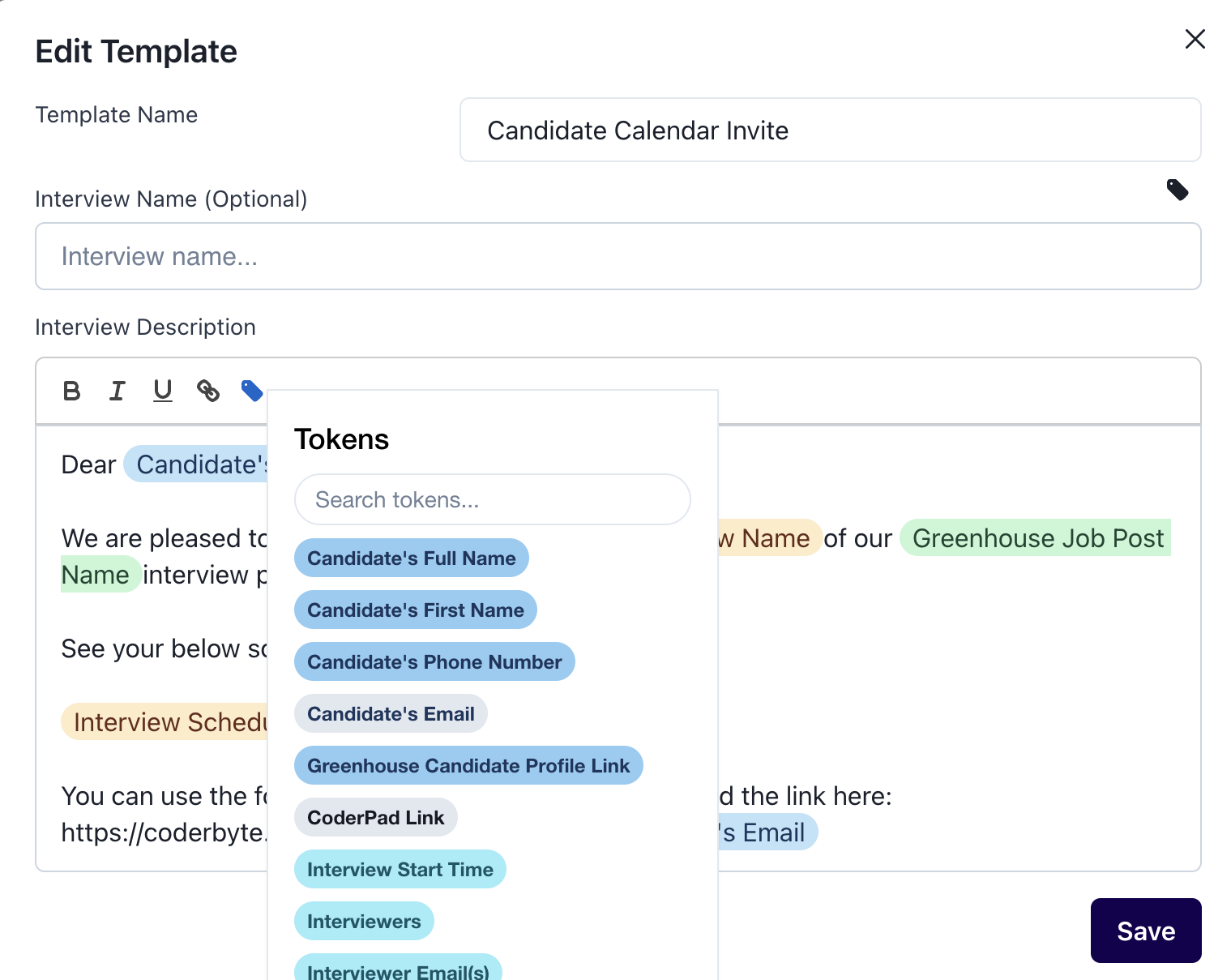
Open or create the calendar template you want to contain the Dynamic Interview Link
In the Body paste the URL from earlier.
Place your cursor at the end of the URL and then use the token icon to Insert the "Candidate's Email" token.
You can now include this link in any communications you'd like to send to a candidate!