How to re-apply a portal template after it has already been activated
Last updated: December 12, 2025
To re-apply portal stages:
Select "edit portal" (purple button at the top)
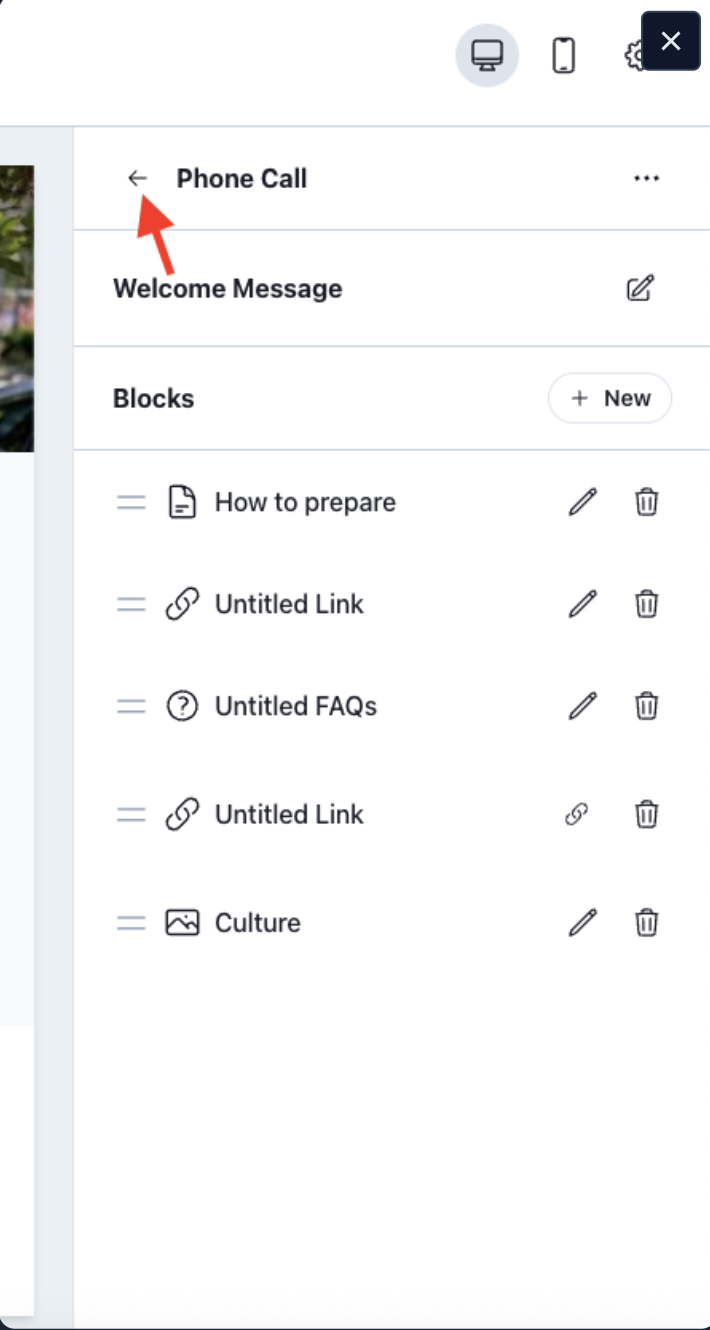
Select the back arrow in the stage section
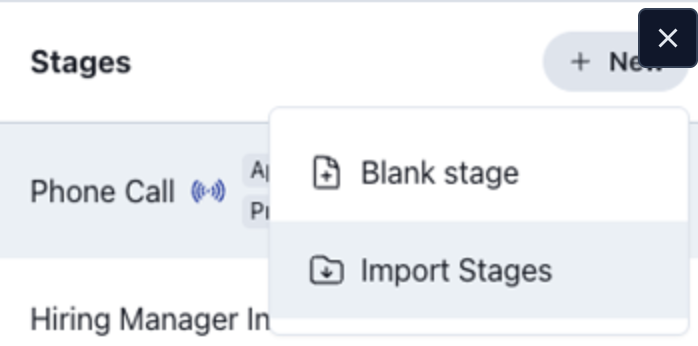
A section called "stages" will appear
From there you can select new > import stages, then choose your template