Publishing Your Portal
Last updated: October 26, 2026
Once you've finished setting up your job's portal and want to send it out to candidates, you need to set it to "Published."
If the job's portal is not set to published, candidates will not be able to access the portal!
In order to set the job to published, navigate to the job and click on the edit setup button on the top-right corner. Click the button to "Publish"
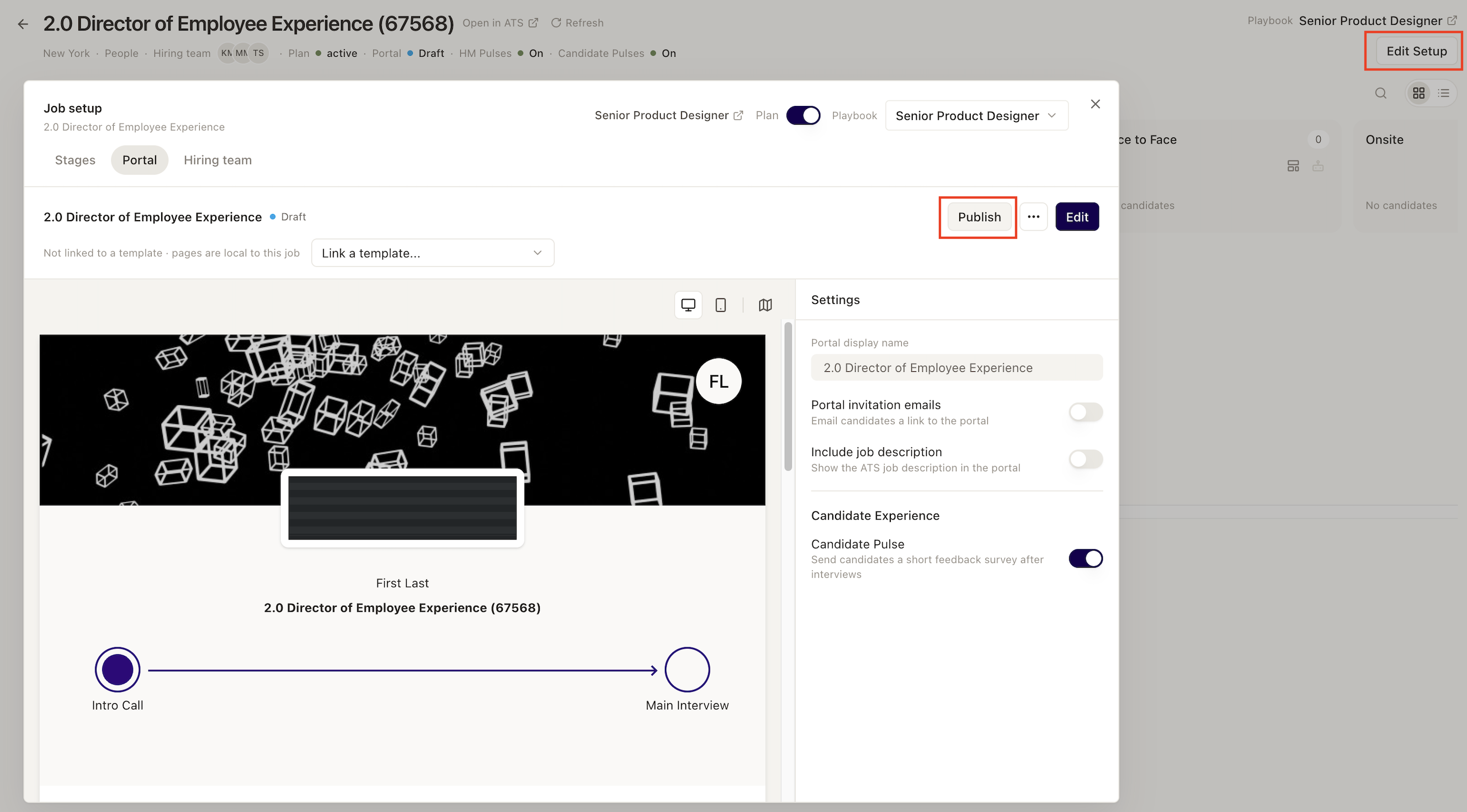
Once it's "Published" you'll see the "Draft" status turn green and say "Live"
Candidates are now ready to access the portal!