Quick Actions Overview
Last updated: October 26, 2026
Quick actions are shortcuts in the admin command palette for common tasks—creating a scheduling request or opening Ask fyi—without digging through the sidebar first.
Open the command palette
Use either:
The Search control in the left panel header (shows ⌘K on Mac or Ctrl+K elsewhere), or
The keyboard shortcut ⌘K / Ctrl+K (toggles the palette open and closed).
Or, you can simply click the search bar at the top left corner of the page.
What appears under Quick actions
Quick actions
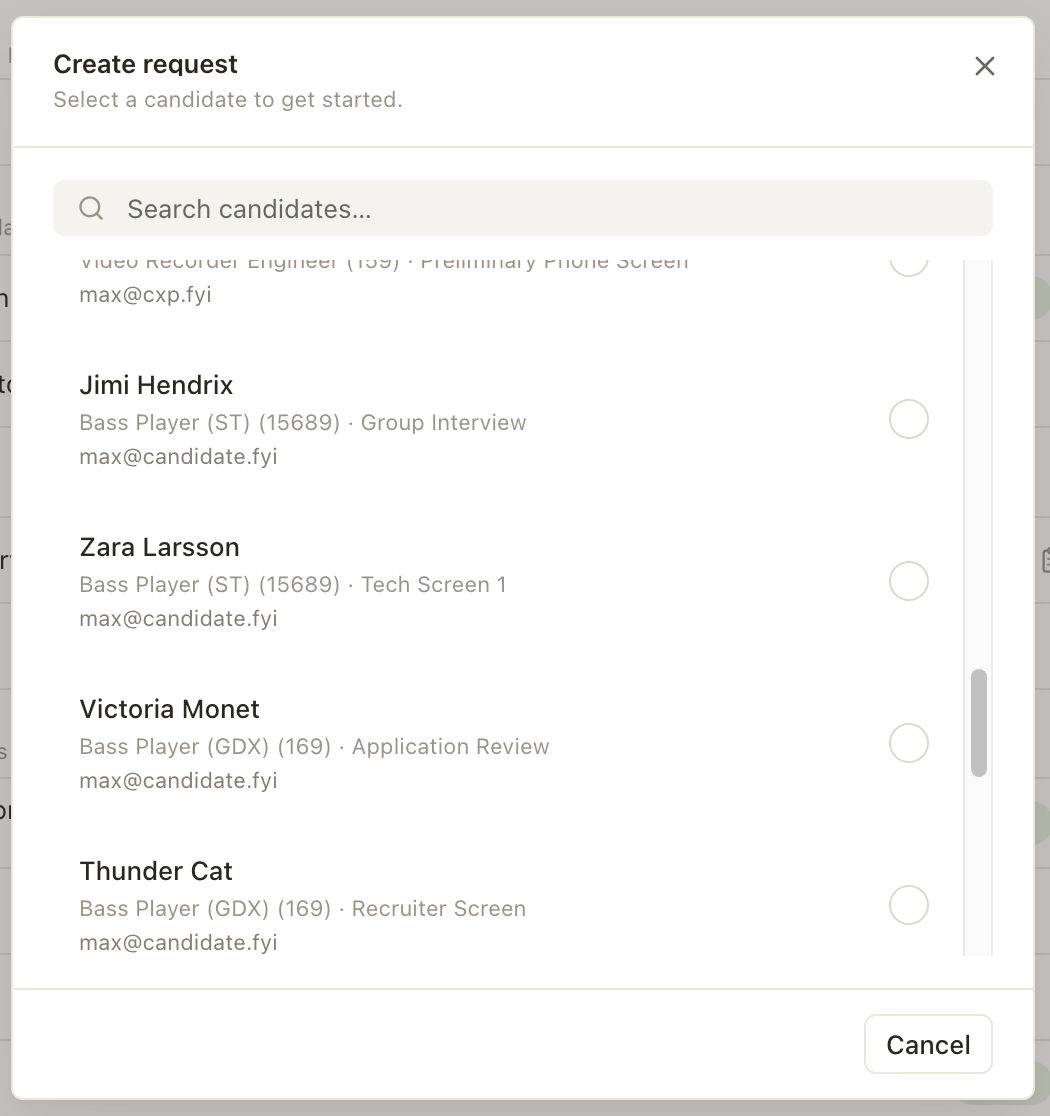
Create request — opens the Create request wizard (pick a candidate, select a round, then configure the request).
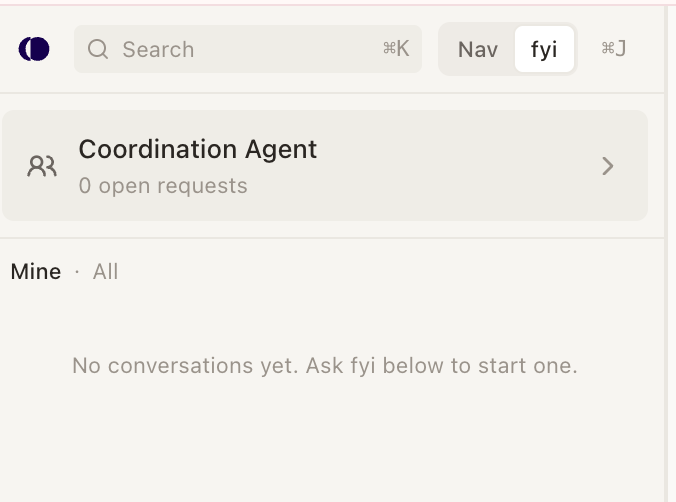
Ask fyi — switches the left panel to fyi chat so you can ask the assistant.
Jump to
Below Quick actions, Jump to lists top product areas you can open (the same areas as the left nav)—for example Scheduling, Jobs, Candidates, and other roots you can access.
Searching
When you type in Search or ask…:
Jump to — matching nav destinations.
Ask — Ask fyi: with your typed text as the prompt.
Results — matching Candidate, Request, Job, and Interviewer records (kinds you can’t list are omitted). Choosing a result navigates to that record.
If nothing matches: No results found.
What’s next
Use Create request to start scheduling from anywhere in admin, or type a name in the palette to jump straight to a candidate, request, job, or interviewer.