Greenhouse Integration upgrade (V2 → V3) - Customer Action Required
Last updated: May 21, 2026
Overview
We are upgrading our integration with Greenhouse to use the Harvest API V3, as V2 is being deprecated.
This update ensures continued reliability, improved performance, and compatibility with Greenhouse’s latest features.
Note: You must be an admin in Greenhouse to do this
Action Required
To avoid any disruption to your integration, we need you to provide new API credentials for Harvest API V3 no later than June 30, 2026.
Please follow the steps below to generate and share your new API key with candidate.fyi.
1. Generate a new Harvest API key
Login to your Greenhouse account and click the Configure ︎⚙︎ icon on the top right of the navigation bar:

Select Dev Center on the left:

Click API Credential Management:

Click Create new API credentials:

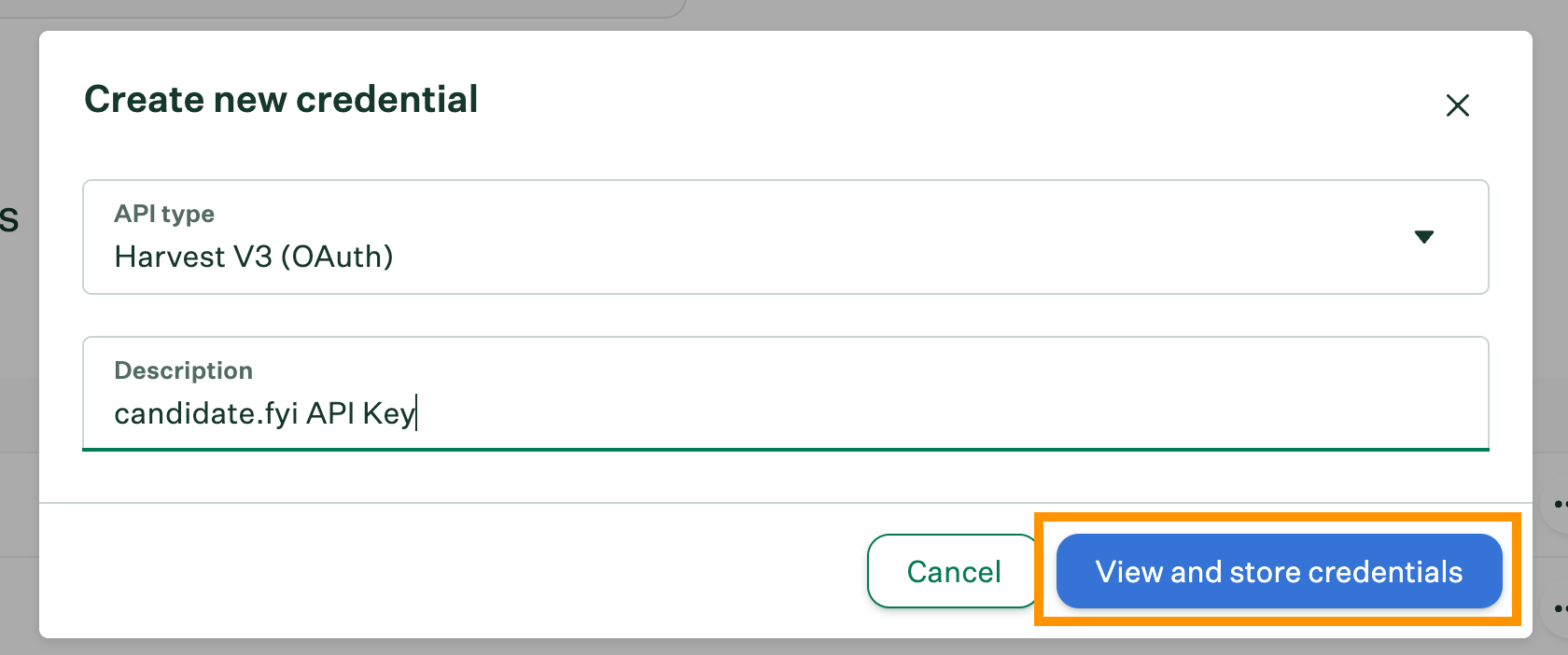
In the dialog box that appears enter your configurations:
API type: Harvest v3 (OAuth)
Description: candidate.fyi API Key
Then, click View and store credentials:
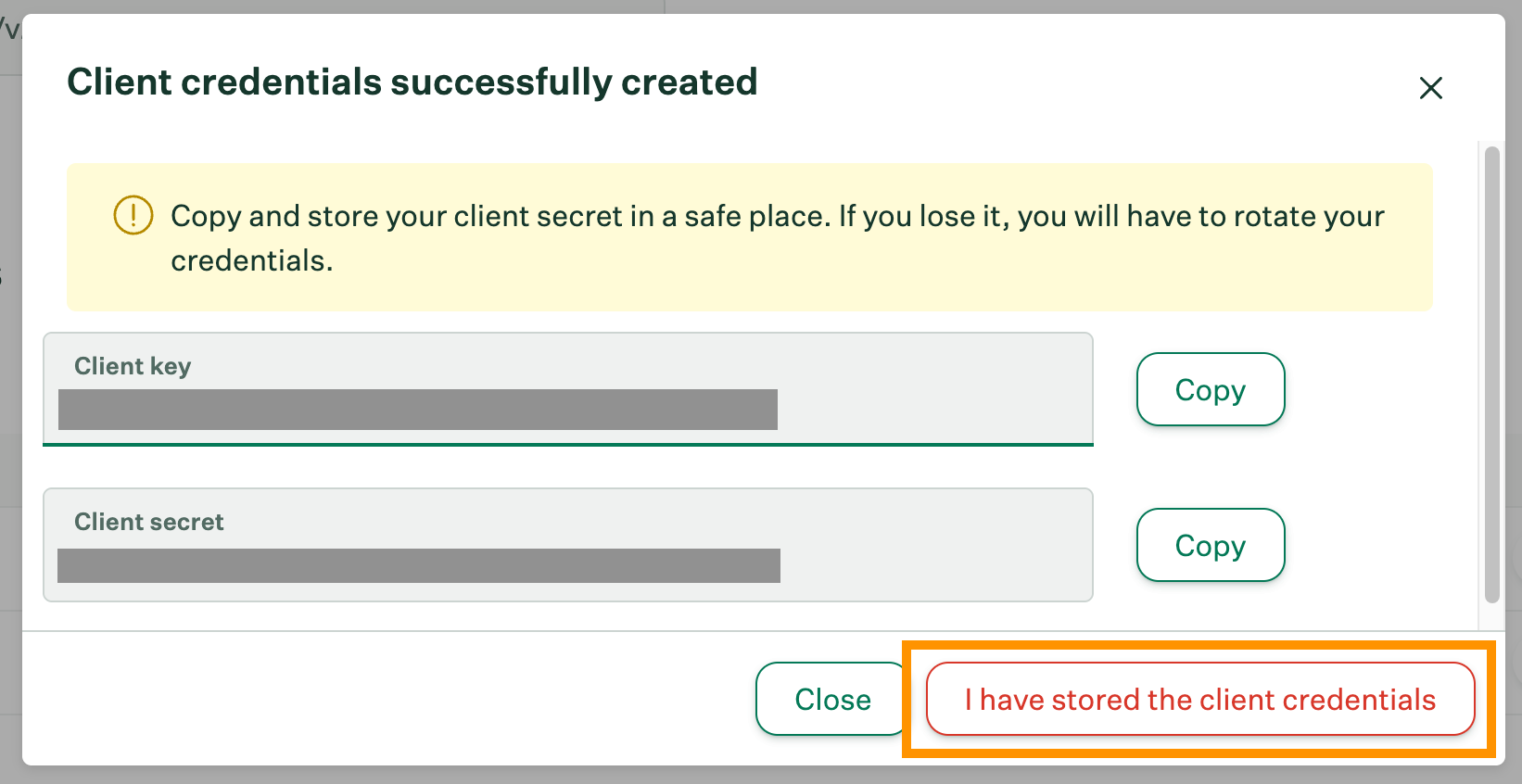
Copy your Harvest API credentials to a secure location. You'll need provide your API key candidate.fyi to integrate.
Click I have stored the client credentials, then assign the appropriate endpoint permissions to your new key (see below).
2. Required Permissions
Scroll down to Manage scopes and assign access to the data candidate.fyi needs:
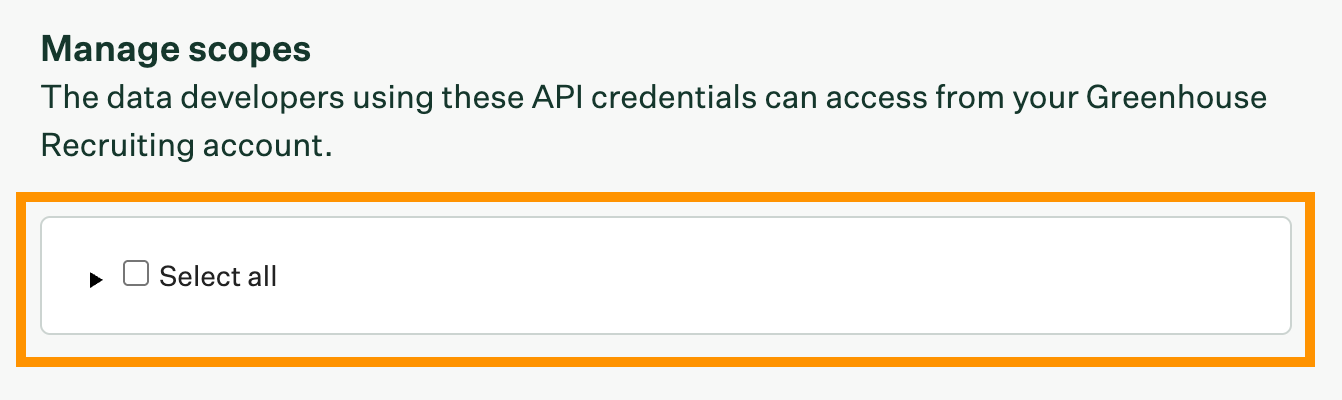
Please ensure the API key includes the following permissions for Harvest:
For Portal & Scheduling
Application Stages
List application stages
Applications
Convert to candidate applications
Create applications
List applications
Applied candidate tags
List applied candidate tags
Attachments
Create attachments
List Attachments
Candidates
Create candidates
List candidates
Default interviewers
List default interviewers
Departments
List departments
Interview kits
List interview kits
Interviewers
List interviewers
Interviews
Create interviews
Destroy interviews
List interviews
Update interviews
Job hiring managers
List job hiring managers
Job interview stages
List job interview stages
Job interviews
List job interviews
Job owners
List job owners
Job posts
List job posts
Jobs
List jobs
Notes
Create notes
Offers
List offers
Offices
List offices
Rejection reasons
List rejection reasons
Scorecard questions
List scorecard questions
Scorecards
List scorecards
Sources
List sources
Users
List users
For Portal Only (No Scheduling)
Applications
List applications
Applied candidate tags
List applied candidate tags
Candidate tags
List candidate tags
Candidates
List candidates
Close reasons
List close reasons
Departments
List departments
Email templates
List email templates
Interviews
List interviews
Job hiring managers
List job hiring managers
Job interview stages
List job interview stages
Job posts
List job posts
Jobs
List jobs
Offers
List offers
Offices
List offices
Openings
List openings
Rejection reasons
List rejection reasons
Sources
List sources
User job permissions
List user job permissions
User roles
List user roles
Users
List users
When finished, click Save.
Your API Key is now ready!
3. Share the API key & Client Secret securely
candidate.fyi will ask that you provide your candidate.fyi representative with a Lever API key. You can share this securely using https://share.doppler.com/.
You'll need to copy the API key and enter it into the box on the right in doppler (recommended to do 1 view or 1 month). Click 'Share Secret' and that will generate a link that you can then share with us.
We will need both Client Secret AND API Key, you can send this in two separate doppler links.
Important: Do not send API keys over unsecured channels
Timeline
We recommend completing this by June 30, 2026 to ensure there is no interruption to your integration.